
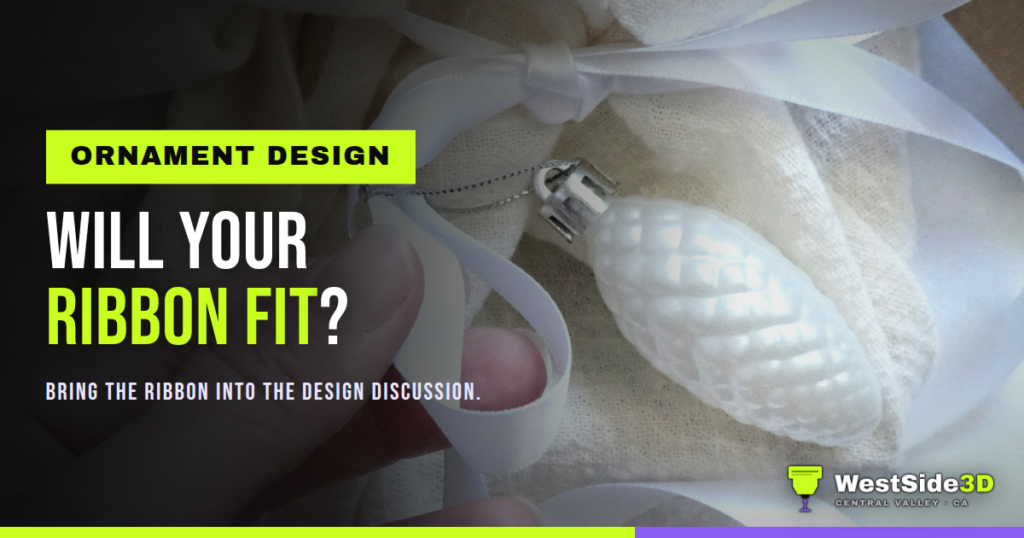
For a 3D ornament ribbon hole, start with the ribbon or cord you actually want to thread through it. Share its measurements and a sketch of the opening, then ask whether the proposed design needs a printed test. There is no single hole size to copy for every design.
If you are planning an original ornament in Modesto, keep the ribbon decision close to the drawing. WestSide 3D lists ornaments among its personalized gift projects. The useful question at this stage is specific: how will your chosen ribbon pass through the opening?
What should you measure for a 3D ornament ribbon hole?
Measure the ribbon you plan to use, and show how you want to thread it. Include its width, the opening you have drawn and any thickness you can measure. These are starting points for a chat with the maker, not a formula for the final hole size.
Try laying the ribbon beside a ruler for a photo. If it is cord rather than flat ribbon, say so and provide the actual piece when possible. “Thin gold ribbon” leaves the designer guessing. A sample and a measurement do not.
Think about the way you want to thread it, too. Will one end pass through, or do you want to push a folded loop through the opening? Put that choice in your note. Draw the threading path next to the opening so the maker can see what you mean.
If you have not chosen the ribbon yet, say that plainly. Ask which design choices should wait until you have a sample.
What should the sketch show besides the opening?
Show the opening on a simple drawing of the whole ornament, and mark the dimensions you want the designer to review. Add a side view if you have a particular thickness in mind. Let the sketch show your idea and leave room for the maker to suggest changes.
Keep the drawing plain. An original circle, oval or geometric outline is enough to explain where you want the ribbon to pass. You do not need a finished computer model just to write down the question.
Separate the parts you care about from the parts you are willing to change. You might want to keep the outline but be open to a different opening shape. Or the opening might be part of the appearance you want the designer to consider.
For help turning that sketch into a model, include it in a CAD design request. CAD means computer-aided design: the work of drawing the object in design software. Keep the actual ribbon in the discussion as the drawing develops.
Why ask about a printed test before settling the size?
A printed test can be a useful question when the opening’s dimensions matter. Maker guidance recommends dimensional tests and says there is no universal allowance for parts that must fit together. Applying those principles to ribbon is a design suggestion; the actual ornament and ribbon still need review.
Prusa’s modeling guide explains tolerance, the allowance included when designing parts to fit together. It says the amount depends on several factors. That guidance does not provide a ribbon-hole diameter, so a measurement from an unrelated project is not a specification for yours.
The UltiMaker design guide also recommends printing tests when exact dimensions matter. Ask whether a test of the proposed opening would help answer your threading question.
If a test is proposed, agree on what you want to check. Can you thread the ribbon in the intended way? Does the opening look right within the design? Write down anything still unanswered before you agree to the next version.
What should you tell the maker after a test print?
Describe what you tried with the test piece and what you want changed. Use the same ribbon and threading method you supplied earlier. A useful note identifies the specific issue: the folded loop was difficult to pass through, or the opening looked larger than you wanted. Use whichever description matches what you saw, and mark the relevant part of the drawing.
Keep the appearance question separate from the threading question. You may like the shape of an opening while wanting to discuss its size. Or you may want to keep the size under review and ask about a different shape.
If you switch ribbon, tell the maker before treating an earlier check as settled. Include a new photo or sample, and ask whether the opening needs another review. Record the choice on your sketch so the drawing and your request describe the same version.
If you also have questions about how the ornament will hang, list them separately for the maker. A threading check leaves those questions open.
What to do next
Put your original sketch, ribbon details and open questions together. Mark which dimensions are measured and which are still ideas. If you need the ornament for a particular gift date, include that date as a question for the shop.
Get a free quote from WestSide 3D, or call (209) 432-9119. Ask the maker to review the opening with your chosen ribbon before you settle the design.
Frequently asked questions
Is there one hole size for every ornament ribbon?
The sources do not give a universal ribbon-hole size. Supply your chosen ribbon and ask the maker to review the proposed opening.
What if I have not picked the ribbon?
Tell the maker that choice is still open. Ask which parts of the opening design should wait until you can supply a sample.
Should I ask for a test of the opening?
Ask whether a printed test would help check threading and appearance. This applies general maker guidance to your design; it does not promise a fit.

